Documents
Download the Visual Cloud Management Platform
Be sure to temporarily disable the PC firewall and antivirus software so that software communication is not blocked.
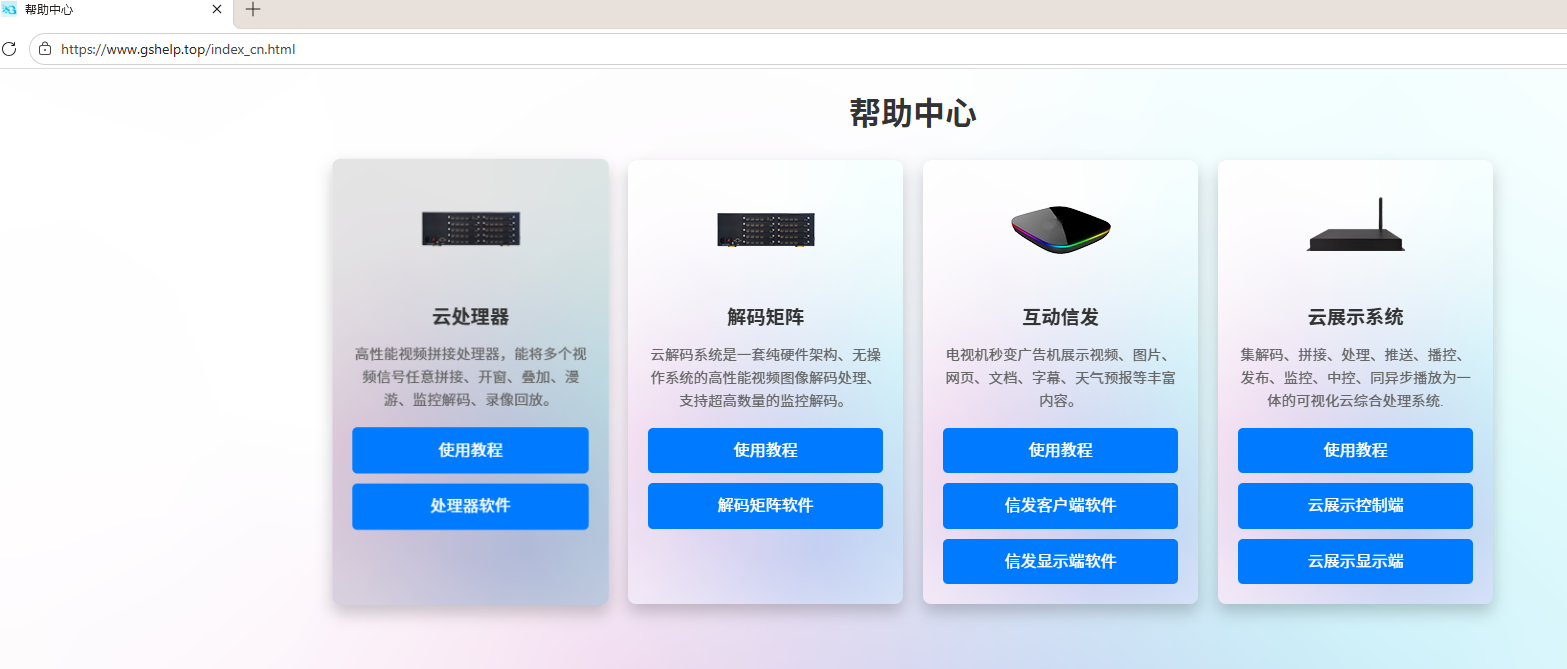
1. You can download the software from a PC at: www.gshelp.top
2. Select “处理器软件”(Processor Software).
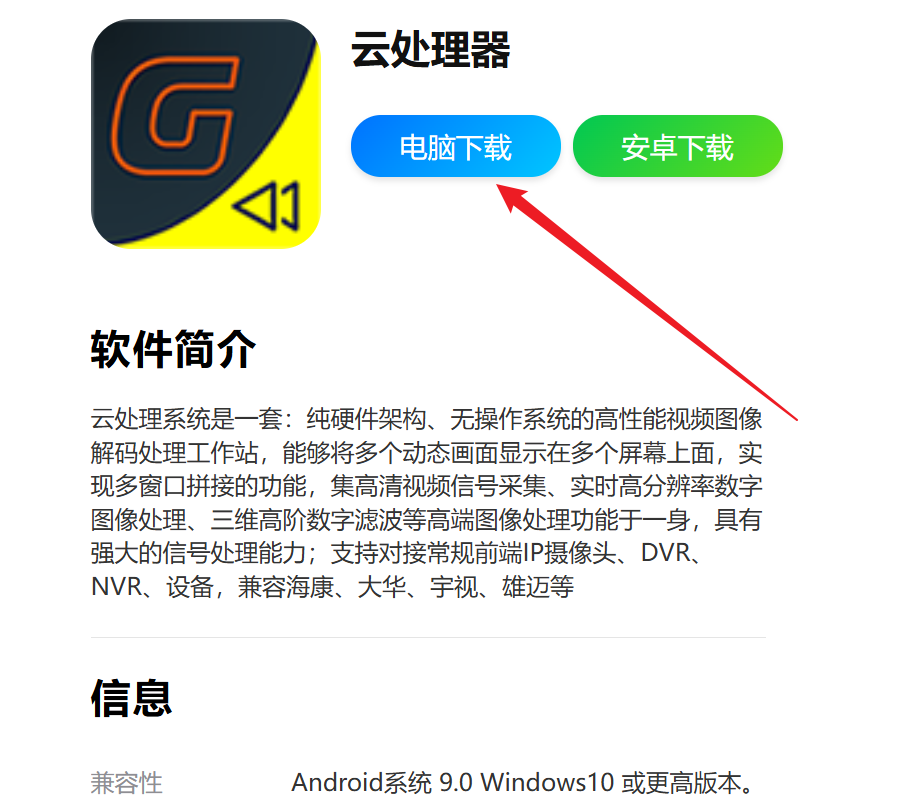
3. Download it to your PC and install it. Windows 10/11 is supported.
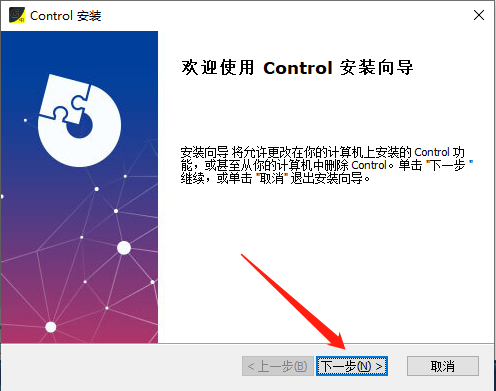
4. Double-click the downloaded installer, install the software, and keep clicking Next.
Did this page help you?One line of feedback helps us keep the steps accurate.